Learn how to build a real-time polygon clipping system for your Godot strategy game. Improve performance, avoid common pitfalls, and keep your game running smooth.
Game development is full of tricky problems that demand clever solutions. One of those is handling real-time polygon clipping, especially in a strategy game built with Godot. It sounds technical, but it's actually a fascinating challenge that can make or break your game's performance and visuals.
If you're diving into Godot for a strategy title, you've probably run into issues with rendering efficiency. Polygon clipping is how the engine decides what parts of a shape to show and what to hide. Do it right, and your game runs smooth. Do it wrong, and you'll hit frame rate drops that frustrate players.
### Why Polygon Clipping Matters for Strategy Games
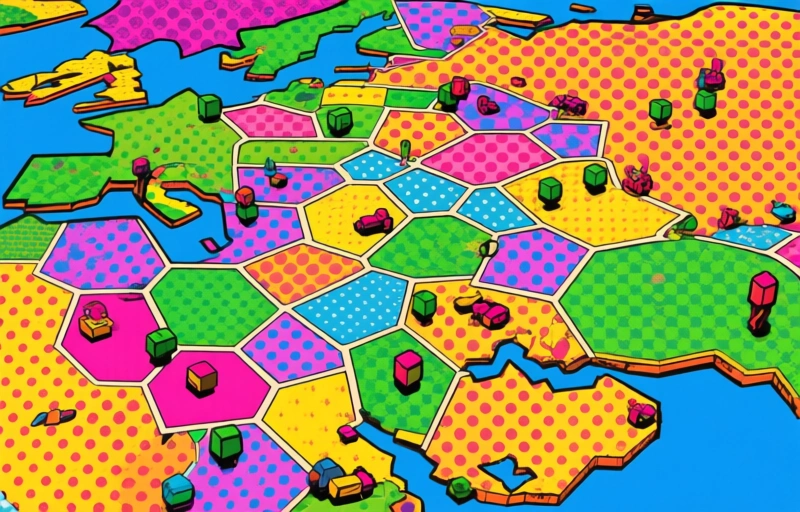
Strategy games often have complex maps with lots of units and structures. Think of a giant battlefield with hundreds of soldiers, each with their own animations and collision boxes. Without efficient clipping, the engine wastes resources drawing things the player can't even see.
Real-time clipping solves this by cutting away invisible portions of polygons before rendering. It's like trimming a photo to only show the part in the frame. For Godot, this means better performance and more immersive gameplay, especially when the camera zooms in or pans across the map.
### The Core Challenge: Speed vs. Accuracy
The trickiest part is balancing speed with accuracy. You want the clipping to happen fast enough to keep up with real-time updates, but precise enough that players don't notice visual glitches. Godot's built-in tools help, but for a custom strategy game, you might need to build your own system.
Here's a simple way to think about it:
- **Speed**: The clipping algorithm must process thousands of polygons per frame.
- **Accuracy**: Edges need to be clean, with no gaps or overlapping shapes.
- **Memory**: Efficient algorithms use less RAM, which is critical on mobile or older hardware.
### Practical Steps to Implement Clipping in Godot
Start by understanding Godot's Geometry2D class. It offers methods like `clip_polygons()` that handle basic clipping. But for real-time use, you'll want to optimize:
1. **Precompute static geometry**: For terrain and buildings that don't move, clip once and reuse.
2. **Use bounding boxes**: Quickly discard polygons that are definitely off-screen before running the full clipping algorithm.
3. **Batch similar shapes**: Group polygons by material or layer to reduce draw calls.
A real-world example: In a strategy game where the camera follows a unit, you might clip distant trees and rocks to only show the ones near the action. This keeps the frame rate steady even with a large map.
### Common Pitfalls and How to Avoid Them
Even experienced developers trip up on a few things:
- **Over-clipping**: Don't clip so aggressively that you cut off parts of units or buildings. Test with different camera angles.
- **Floating point errors**: Polygons with near-zero area can cause crashes. Add a minimum area check before clipping.
- **Performance spikes**: Clipping can be heavy on the CPU. Use timers or coroutines to spread the work across frames.
> "The best optimization is not doing unnecessary work at all." - This holds true for clipping. Only process what's visible.
### Final Thoughts
Building a real-time polygon clipping system in Godot isn't just about code—it's about understanding how your game world works. Start small, test often, and don't be afraid to iterate. Your players will thank you with smoother gameplay and fewer bugs.
If you're curious about more Godot tips, check out community forums or the official documentation. And remember: every great strategy game started with one solid system at a time.