Perfect Valentine's Heart Image: Clipping Path Guide for…
Emily Taylor ·
Listen to this article~5 min
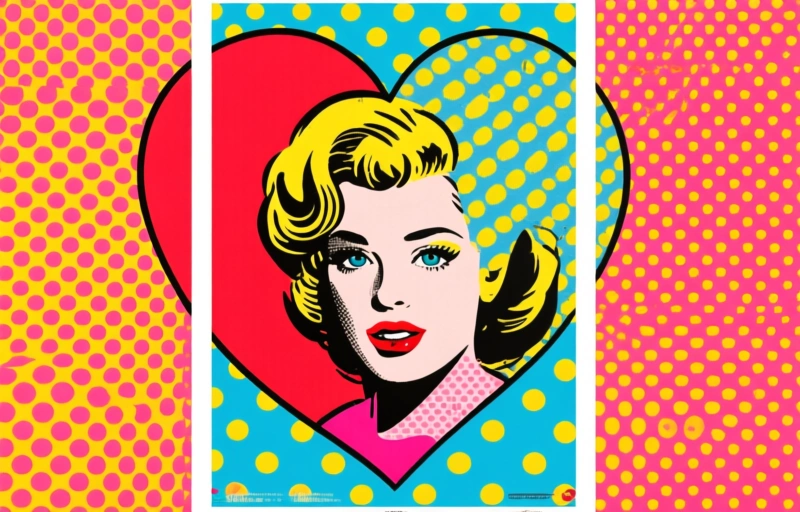
Master the clipping path for that perfect Valentine's heart image. A pro guide to seamless cutouts, workflow tips, and transforming stock photos into versatile design assets.
Hey there. So you're looking at that perfect, shiny red Valentine's Day heart on a white background, right? The kind that just pops. You know the one—it's crisp, it's clean, and it's got that professional sheen that makes a design project sing.
But here's the thing we all know in this business. Finding the stock photo is only half the battle. The real magic, the part that separates a good project from a great one, happens in the clipping path. That's where you isolate that heart with pixel-perfect precision, ready to drop into any layout, any campaign, any visual story you're telling.
### Why a Flawless Clipping Path Matters
Let's be real for a second. A jagged edge or a missed pixel around a delicate shape like a heart? It screams amateur hour. It breaks the visual flow and pulls the viewer right out of the moment you worked so hard to create.
For Valentine's campaigns, especially, emotion is everything. The imagery needs to feel seamless, intentional, and polished. A perfect clipping path ensures that heart isn't just a picture; it becomes a versatile design asset. You can layer it, shadow it, color-tint it, or make it the star of a minimalist composition.
It's the difference between "nice stock photo" and "brand asset."
### Key Steps for a Perfect Heart Cutout
Doing this right isn't just about grabbing the Pen Tool and going for it. Well, maybe it is for some of you wizards out there. But for the rest of us, a good process saves time and headaches.
- **Start with the right source:** Aim for high-resolution images. That white background should be as clean as possible to begin with. It gives your path a fighting chance.
- **Zoom in, way in:** This is non-negotiable. Get in close on those curves. The top of a heart has some of the trickiest geometry you'll deal with.
- **Mind the shine and shadows:** A shiny red heart will have highlights and subtle shadows even on a white background. Your path needs to account for this so you don't clip off a sliver of glow or capture a bit of shadow that makes it look pasted on.
- **Check the edges on multiple backgrounds:** Don't just trust it looks good on a checkerboard. Place it on a dark color, a busy pattern, a gradient. If it holds up everywhere, you've nailed it.
As one seasoned designer I admire always says, *"The best clipping path is the one nobody notices. It just feels right."* That's the goal.
### Beyond the Basic Cutout: Adding Value
Once you've got that perfect isolated heart, the fun really begins. This is where you add unique value for your clients or your own projects.
Think about creating variations. Maybe a version with a slight inner glow for a digital ad. One with a soft drop shadow for print material. You could even prepare a masked version where the heart is a window to another image behind it. These prepared assets turn a one-time stock photo into a reusable toolkit.
It also makes you think ahead. Is this for web use? Social media? Large-format printing? Each of those destinations might require a slightly different approach to the final file preparation, even if the core clipping path remains the same.
### The Professional Workflow Takeaway
We get caught up in tools and techniques—and those are important. But at its core, this is about a professional mindset. It's about seeing a stock image not as a final product, but as raw material. Your skill with a clipping path is what transforms that material into something tailored, specific, and ready for the real world.
So next time you pull a Valentine's heart or any seasonal graphic, pause. Look past the immediate need. See the potential asset hiding inside the photo. That shift in perspective, combined with the technical skill to execute it cleanly, is what makes all the difference in our line of work. It turns routine tasks into opportunities to build a library of quality, on-brand elements that save time and elevate quality for every project that comes after.